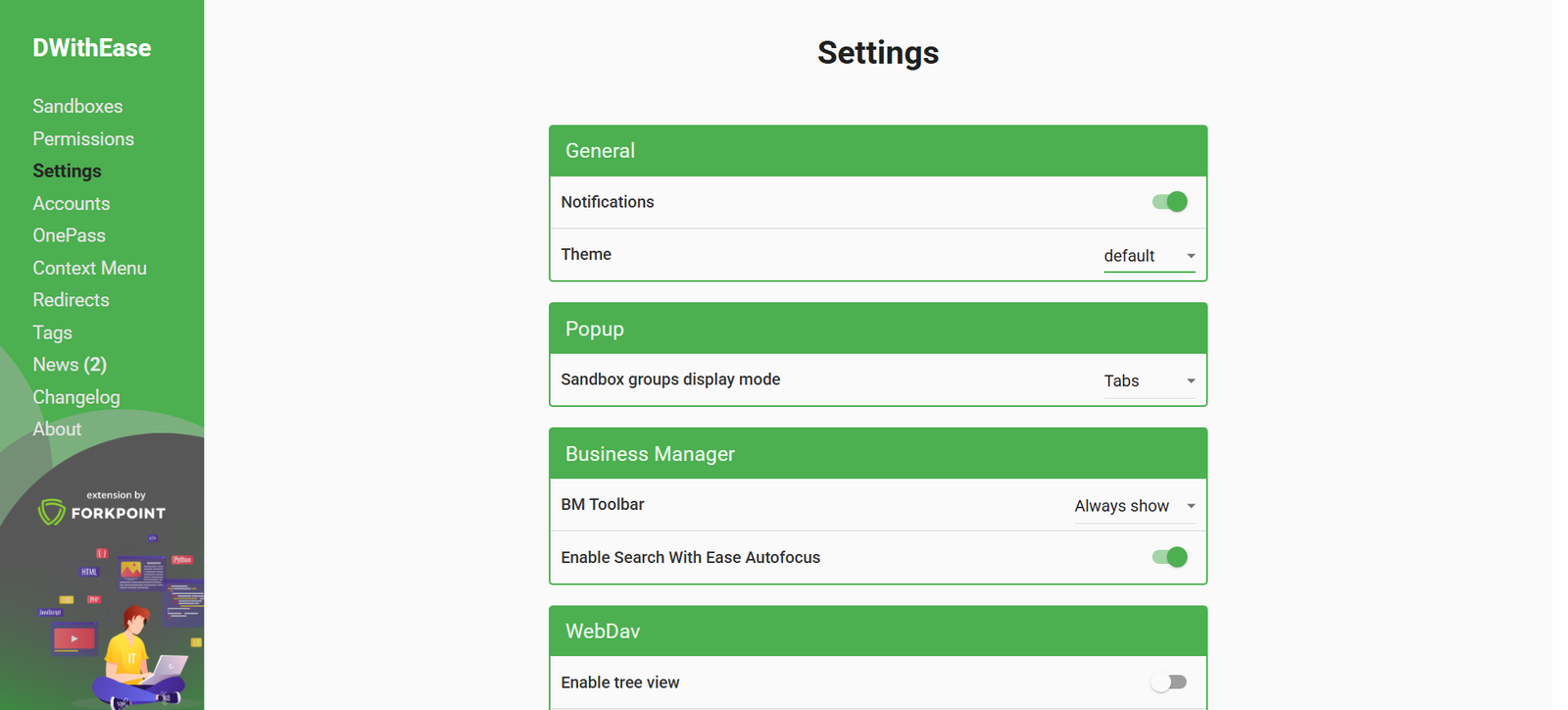
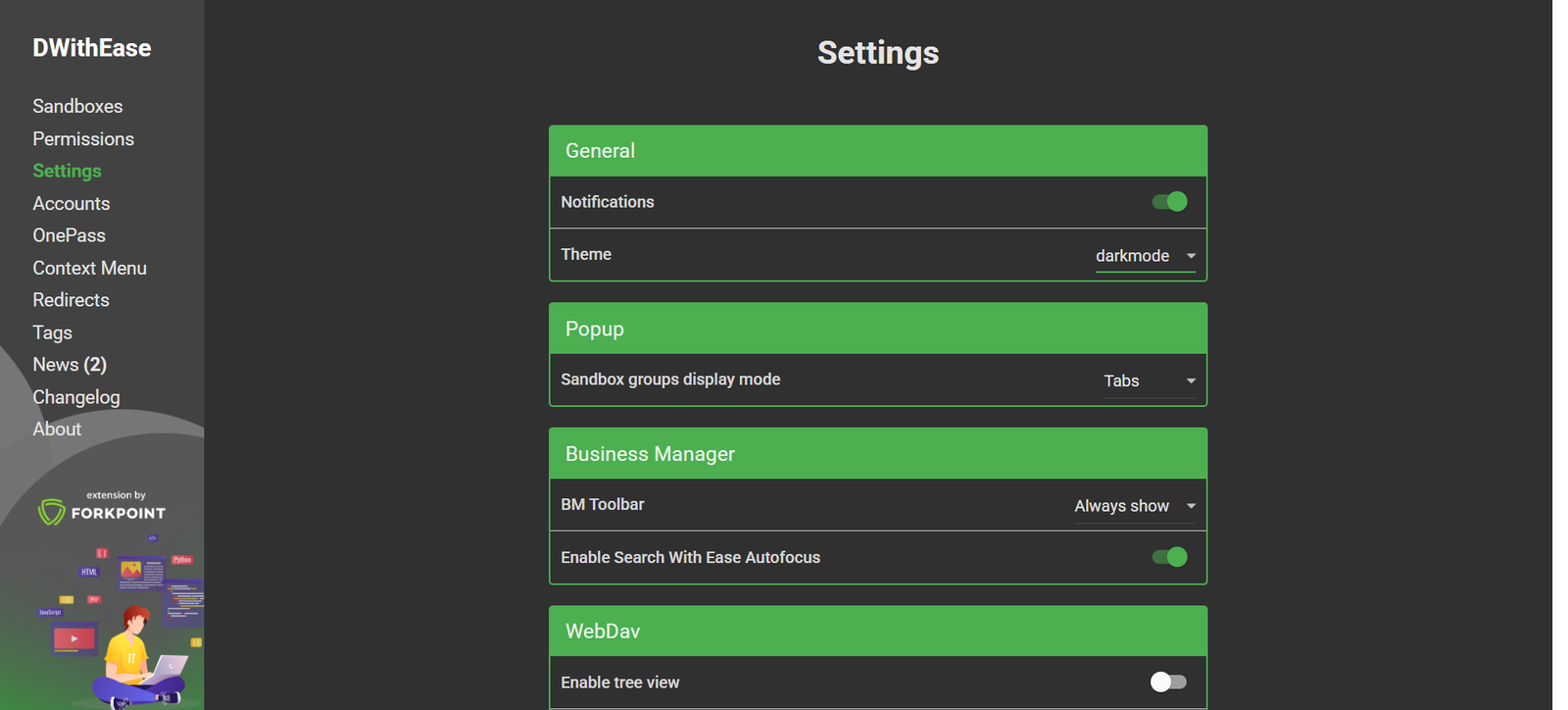
Ready to Ditch Salesforce Frustrations? Install DWithEase Now!
You’ve been invited to try DWithEase — the Chrome extension that saves time and reduces friction for Salesforce Commerce Cloud users.
No more session timeouts, constant logins, or clunky navigation. DWithEase keeps you signed in, speeds up your workflow, and adds smart tools that help you work faster and easier every day.
Trusted by developers, merchandisers and admins.
ENHANCED EXPERIENCE
Just a Click Away
See how easy it is to activate DWithEase on your browser:
THE WAY TO EMPOWER YOUR
Salesforce Efficiency
We understand the importance of your time and productivity, which is why DWithEase was created. Born out of a necessity to streamline and enhance the functionality of Salesforce Commerce Cloud, known previously as Demandware, our tool is a response to the inefficiencies faced by users in their daily operations.
It represents our commitment to not just solving immediate challenges but also to elevating the overall efficiency of your Salesforce experience, ensuring that every interaction with the platform is as smooth and productive as possible.
Yes. Your passwords are stored securely using AES encryption and are also hidden in plain text once input. Doing export on your sandboxes also clears your password for security reasons.
Yes. However, If you don’t present a username and password, you will not be able to use one of the core functionalities – Automatic Business Manager Login.