Work faster in Salesforce Commerce Cloud.
DWithEase brings faster navigation, persistent sessions, useful shortcuts and productivity tools directly into your everyday SFCC workflow.
Supported platforms and statistics






Less friction in your everyday SFCC work.
DWithEase removes repetitive steps and puts the tools you use most often closer to where you need them. Navigate faster, spend less time logging in and tailor your workflow to the way you work.
-
Navigate with
less effortReach frequently used Salesforce Commerce Cloud pages and functionality through faster, more intuitive shortcuts.
-
Cut out the
repetitive stepsReduce unnecessary clicks and repeated logins with practical tools designed around everyday SFCC tasks.
-
Make the experience
your ownUse customizable tools and shortcuts to adapt DWithEase to the way you work with Salesforce Commerce Cloud.
Loved by 25,000+ users.
DWithEase has grown around a global community of Salesforce Commerce Cloud professionals sharing experience, ideas and ways to make everyday work easier.
4.9 / 5
Real ratings from the Chrome Web Store & Firefox Add-ons
-
“Amazing extension, saves a lot of time.”
Amad Aleem ★ 5.0 · Chrome -
“Very useful!”
Việt ★ 5.0 · Chrome -
“This extension is a huge timesaver. I really appreciate it.”
Michael Nichols ★ 5.0 · Chrome -
“Great extension! Very useful!”
Abdul Rauf Arif ★ 5.0 · Chrome -
“Must have plugin for anyone working in Salesforce Commerce Cloud ecosystem!”
Oleg Sapishchuk ★ 5.0 · Chrome -
“Great extension! Very useful!”
Nikita Genchev ★ 5.0 · Chrome
Stay signed in. Stay focused.
Repeated logins interrupt your workflow. DWithEase helps keep your Salesforce Commerce Cloud sessions active for up to 24 hours, so you can return to your work without constantly starting over.
-
Persistent sessions
Keep your SFCC session active for longer. -
Automatic login
Reduce repetitive authentication steps in your daily workflow. -
Less interruption
Spend more time working and less time getting back into the platform.
Log in again
Continue working
Get where you need to go faster.
Jump to frequently used Salesforce Commerce Cloud pages and tools through intuitive shortcuts instead of repeatedly navigating through Business Manager.
-
Quick access
Reach frequently used areas faster. -
Useful shortcuts
Keep common actions within easy reach. -
Fewer clicks
Reduce unnecessary navigation throughout your day.
Several menu levels
Direct access
More useful tools. Right where you work.
Equip your SFCC workflow with practical utilities built directly into Business Manager.
- Sandbox Management
- Custom BM Plugins
- Production Controls
- WebDAV & ODS Logs
- Custom Context Menu
- OnePass Vault

Where DWithEase users talk shop.
Thousands of Salesforce Commerce Cloud professionals share tips, workflows, and feedback across our community. Most of them are a message away.
- (opens in a new tab)
The unofficial SFCC Slack
Ask a question, answer someone else's, and see how other Commerce Cloud teams handle the work you are doing today.
-
A say in what comes next
Tell the team which step still takes too long. Suggestions from the community are where new DWithEase features start.
Go beyond everyday SFCC work.
Practical guides, ideas and insights for Salesforce Commerce Cloud teams — from everyday workflows to testing, product data, search and the future of AI commerce.
-
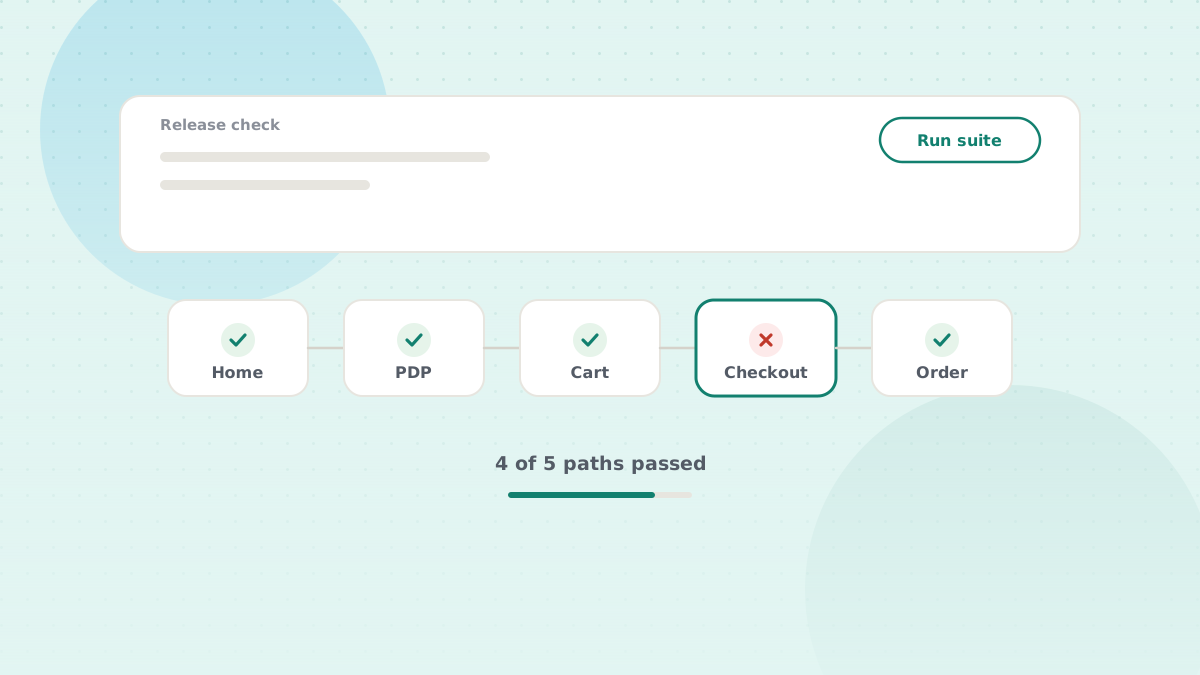 Testing & Quality
What Should You Test After Updating an SFCC Storefront?
A practical look at what teams should validate after making storefront changes — and where automated testing can help.
Read article 7 min read -
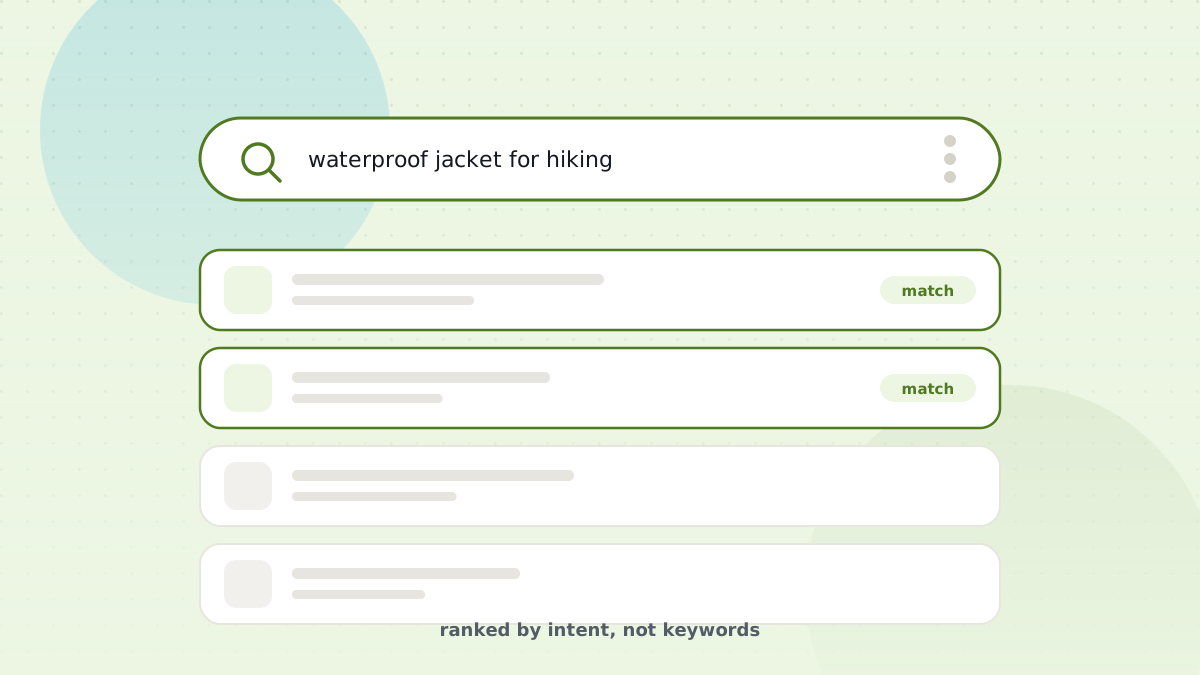 Search & Product Discovery
Your SFCC Catalog Is Organized. Can Customers Find the Right Products?
Catalog management is only part of the job. Explore what happens when product discovery becomes the next challenge.
Read article 4 min read -
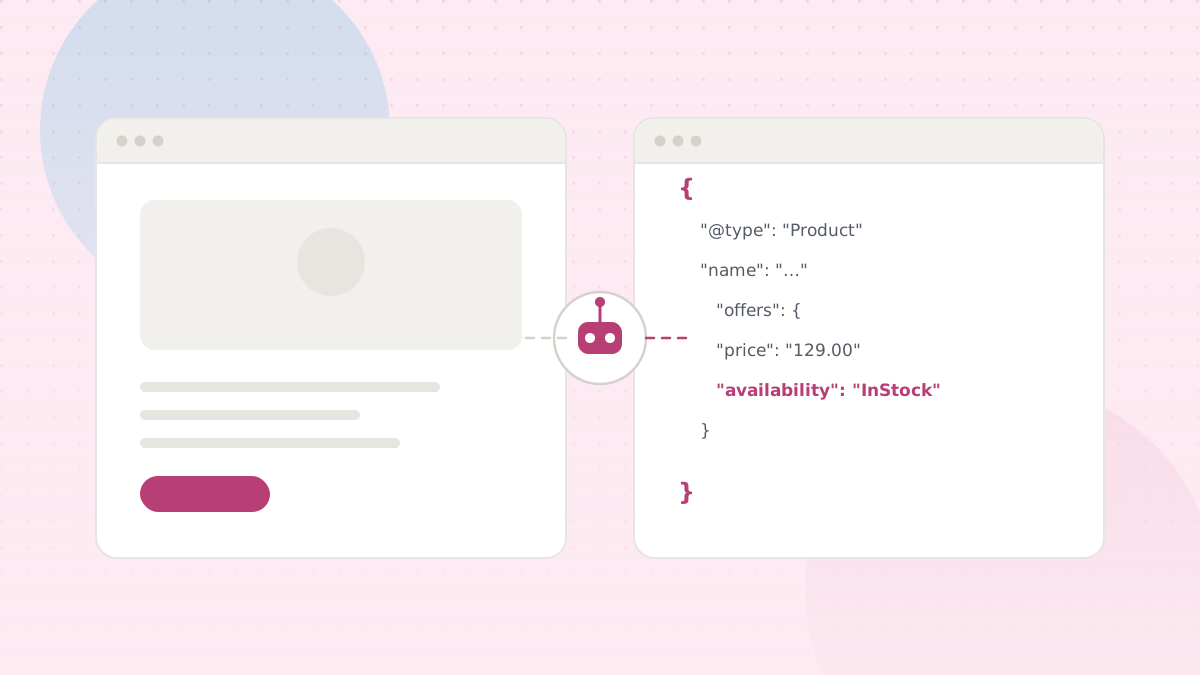 AI & Agentic Commerce
Is Your SFCC Storefront Visible to AI Agents?
Learn what changes when AI assistants — not only human shoppers — need to understand your storefront and products.
Read article 4 min read
Change the way you work with Salesforce Commerce Cloud.
Spend less time on repetitive steps and more time on the work that matters.
Available for Chrome, Safari, Edge and Firefox.
Keep up with DWithEase.
Get product updates, major new features and useful Salesforce Commerce Cloud insights in your inbox.