Install DWithEase in your browser.
Pick your browser to install from the official extension store. Free, with no account needed.
- Chrome Chrome Web Store Get DWithEase
- Safari Mac App Store Get DWithEase
- Firefox Firefox Add-ons Get DWithEase
- Edge Edge Add-ons Get DWithEase




On Brave, Opera, Vivaldi or Arc? Install the Chrome version — they all read the Chrome Web Store.
What DWithEase does, and does not, do with your data.
DWithEase holds sandbox credentials, so these questions deserve an answer before the install rather than inside a policy nobody opens.
-
No account to create
There is no DWithEase login and no server to sign up to. Install the extension and it works.
-
Credentials stay on your machine
Sandbox configurations live in your browser's extension storage, with passwords encrypted using AES. ForkPoint never receives them.
-
No tracking, no telemetry
Your browsing history, page contents and usage are not sent to us or to anyone else.
-
Free, with no trial clock
DWithEase is free to install and use. No card, no expiry, no nag screen.
The full detail, including exactly what is stored and where, is in the privacy policy.
From installed to your first automatic login.
The extension attaches to the Salesforce Commerce Cloud workflow you already have. There is nothing to migrate and nothing to configure before it is useful.
- 1 Pin DWithEase to your toolbar Open the extensions menu in your browser and pin DWithEase, so the popup is one click away instead of two. The popup
- 2 Add your first instance Open the popup and save a sandbox — hostname, Business Manager credentials and storefront password. DWithEase logs you in from then on. Sandbox configurations
- 3 Open Business Manager The toolbar, shortcuts and context menu attach to the Business Manager pages you already work in. Nothing to migrate, nothing to set up first. Business Manager tools
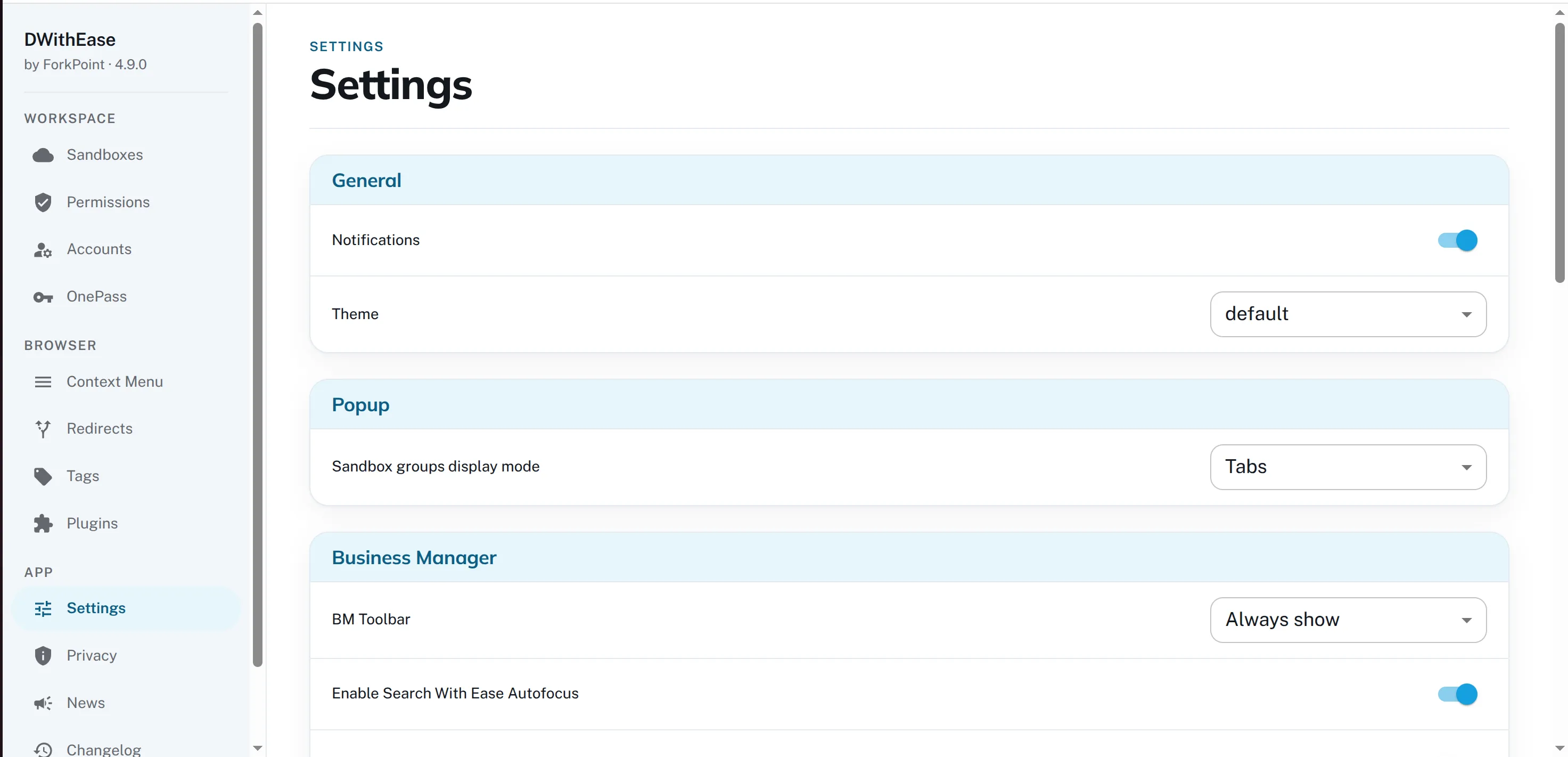
- 4 Make it yours Shortcuts, notifications, the context menu, the WebDAV tree view and the theme all live in Settings. Options
What people say after installing.
-
Amazing extension, saves a lot of time.
Amad Aleem Chrome Web Store -
This extension is a huge timesaver. I really appreciate it.
Michael Nichols Chrome Web Store -
Must have plugin for anyone working in Salesforce Commerce Cloud ecosystem!
Oleg Sapishchuk Chrome Web Store



Install did not work?
Extension stores are blocked on some corporate networks and managed devices. Tell us what you are seeing and we answer within one working day.