On this page ▾
Overview
After installing the DWithEase extension, the popup icon will appear in the browser’s extensions bar on the top right.

The extension icons are placed a bit differently on Chrome, Safari, Firefox and Edge.
Clicking it will expand a popup:
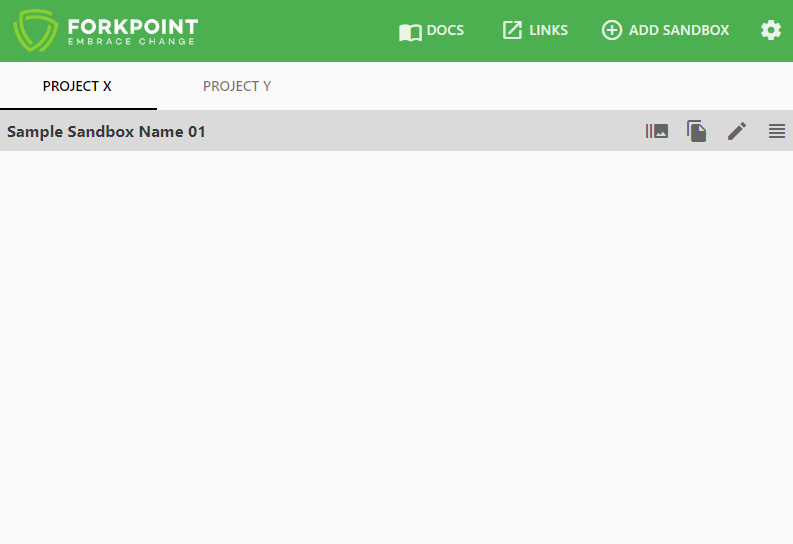
Initially, the list of Sandboxes is empty, so you will see 5 components:
- ForkPoint logo - ForkPoint is the reason for the existence of this amazing extension. We take care and responsibility to deliver an extension that will satisfy the need of every Salesforce B2C Developer. The logo is leading to our company website.
- DOCS - Direct documentation search (with ease). Use it to quickly search the documentation without going to the actual page.
- LINKS - Access to most popular SF/SFCC pages.
- ADD SANDBOX - Navigates you to the Add Sandbox page.
- settings Navigates you to the Options page.
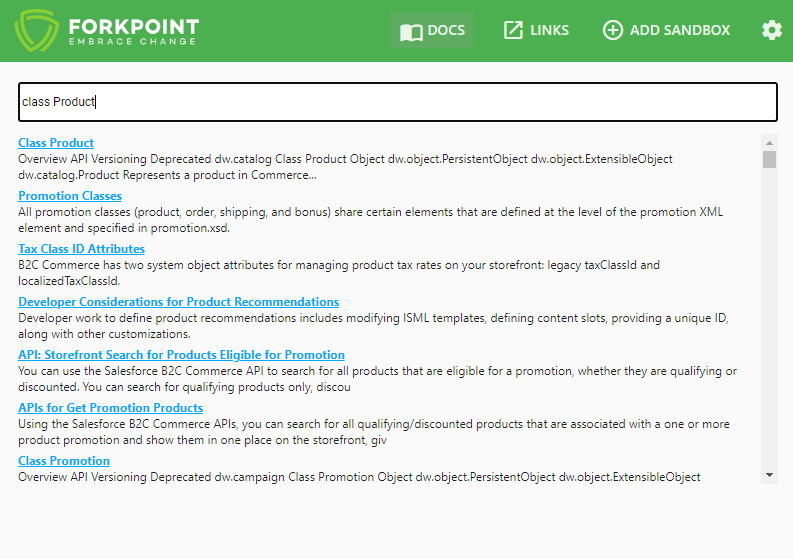
Direct Documentation Search
Clicking on the DOCS will open a new overlay containing a direct search in the DOC2 version of the official SFCC documentation.
Quick Open Sandbox BM
Clicking on any saved configuration name will quick open the Business Manager URL for that sandbox.
Quick Open all Sandbox URLs
When you hover over a sandbox configuration, and click burst_mode, the extension will open the following 3 URL’s - Business Manager, Storefront, and WebDav URL for the selected sandbox configuration.
Share sandbox URL
When you hover over a sandbox configuration, and click file_copy, a link for the Business Manager Homepage will be generated using the configuration domain and be automatically copied to your clipboard ready for share.
Edit sandbox configuration
When you hover over a sandbox configuration, and click edit you will be able to edit the current sandbox configuration. A menu will be opened with pre-filled, previously saved information.
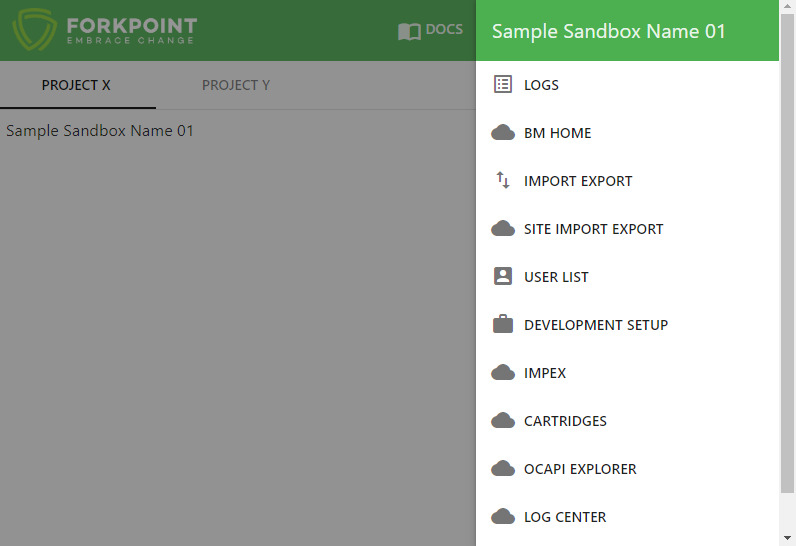
Context Menu
When you hover over a sandbox configuration, and click view_headline a menu will open, showing your current shortcuts in the context menu for the hovered sandbox.
Was this page helpful?
Help us improve the DWithEase documentation.