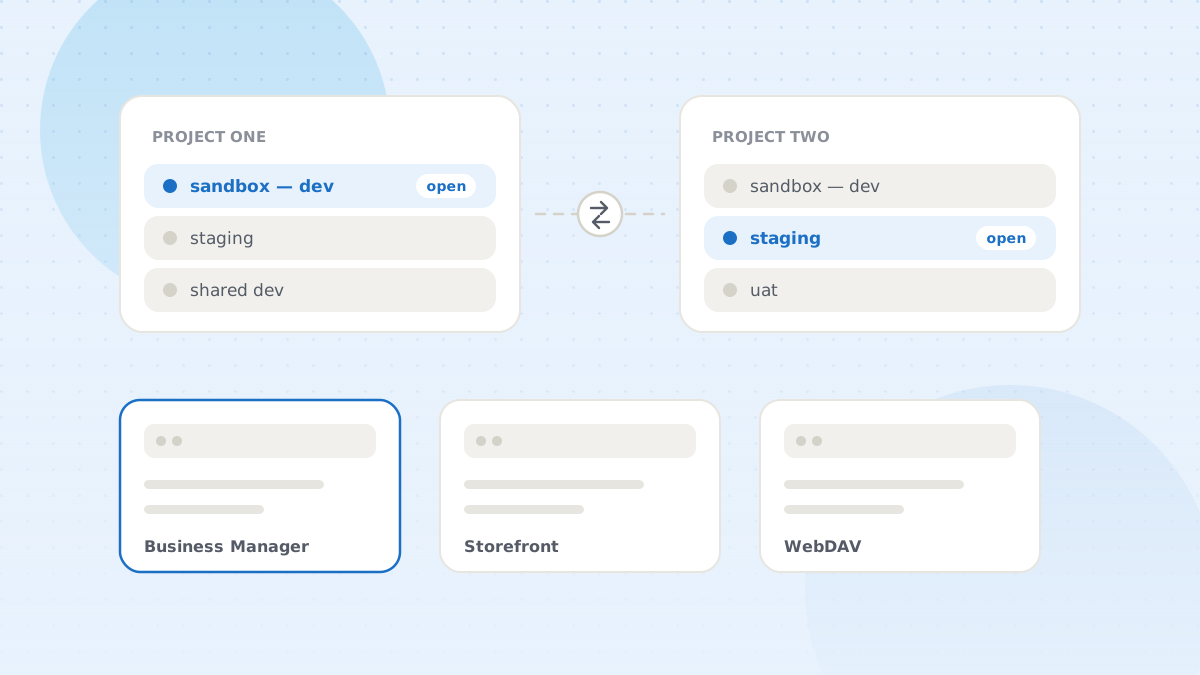
Ask an SFCC developer how many environments they touch in a week and the number is rarely under five. Personal sandbox, a shared development instance, staging, sometimes production, plus whatever a second client project runs on. Each has its own domain, its own Business Manager, its own storefront, its own WebDAV, and its own credentials.
Most of the friction in SFCC work is not writing code. It is the overhead of being in the right place, logged in, on the right code version, with the right site selected.
What actually costs time
Remembering which URL is which. Sandbox hostnames are long, similar and unmemorable. Browser history gives you a list of near-identical strings and no indication of which project they belong to.
Logging in, repeatedly. Business Manager sessions expire fast. Across five instances, that is a lot of credential entry, and it always happens in the middle of something.
Storefront passwords. Non-production storefronts sit behind a password prompt. It is trivial to enter and endlessly interrupting when you are hopping between a sandbox storefront and its Business Manager.
Losing track of context. Four tabs open on four instances, all showing the same Business Manager UI. The failure mode is not confusion — it is confidently making a change on the wrong instance. Everyone who has worked in SFCC for a while has done it once.
Reassembling the same set of tabs. For most tasks you want three things open at once: Business Manager, the storefront, and WebDAV. Building that trio by hand, per instance, several times a day, is pure repetition.
Organize the environments themselves
The fix starts before any tooling: give your instances names a human uses, and group them by what they are for.
Name by role, not by hostname. “Client A — my sandbox”, “Client A — staging”, “Client B — shared dev”. You will read these lists hundreds of times; they should be scannable.
Group by project. Once you pass about six instances, a flat list stops working. Grouping — one group per project or client — means the sandboxes you are not working on today are not in the way. DWithEase supports named groups with drag-and-drop between them; see the sandbox options.
Store the storefront password with the configuration. It is not a secret worth protecting from yourself, and having it applied automatically removes one prompt from every storefront visit.
Attach an account for automatic login. Configure the account once, point the sandboxes at it, and Business Manager stops asking. If credentials rotate, you change them in one place rather than in five.
Keep the Business Manager session alive on the instances you work in continuously. The default expiry is tuned for shared machines, not for someone iterating on a template.
Move between instances in one action
Once configurations exist, the daily interactions collapse to a few:
- Open a sandbox Business Manager by clicking its name in the popup, rather than finding a URL and logging in.
- Open the whole working set — Business Manager, storefront and WebDAV for one instance — in one action, so the three-tab layout you always want is one click instead of three navigations.
- Share an instance link with a colleague by copying a generated Business Manager URL, instead of pasting a raw hostname and explaining which one it is.
- Add per-sandbox context-menu shortcuts for the pages you open constantly on that particular instance.
Guard against the wrong-instance mistake
This is the one that costs more than time. A few habits help:
Make instances visually distinguishable. Different browser profiles, different window positions, or simply not keeping production open in the same window as sandboxes. The goal is that “which instance is this?” is answerable without reading the URL bar.
Treat production as a separate mode. Do not keep a production Business Manager tab open beside four sandboxes all day. Open it for the task, close it after.
Check the active code version before you conclude anything. A surprising share of “this works on staging but not my sandbox” is two instances on different code versions. Making the active version visible where you already are removes the most common false lead in SFCC debugging.
Keep the setup portable
Sandbox configurations are worth treating as something you own rather than something your browser happens to hold. Export them to a JSON file, and you can restore your environment list after a machine change or hand a project’s instance list to a new team member on their first day instead of during their first week.
Two notes on that. Passwords are not included in a DWithEase export, deliberately — the file is a list of environments, not a credential store. And when importing on a new machine, recreate the login account first, so the imported configurations find it and continue to auto-login. The import and export details cover both.
Why it matters more than it sounds
Environment switching is the definition of low-value work: necessary, repetitive, and invisible on any report. It is also the thing that most reliably interrupts concentration, because it happens between the moment you have an idea and the moment you can act on it.
Getting it down to a single click does not make anyone a better developer. It just means the twenty times a day you change environments stop costing you the thread of what you were doing.